Brand guidelines
How to use the GOAT Robotics logo, colours, type and voice, so everything we make, and everything made about us, looks and sounds like one company.
Primary logo
The “goat.” wordmark with “Robotics” in GOAT Teal. The g carries a goat’s head in its counter: sure-footed, stubborn about getting the job done.
It is artwork, not type. Always use the files from the brand kit and never rebuild or retype it. Use the primary logo by default; the other versions are for backgrounds and materials it can’t go on.
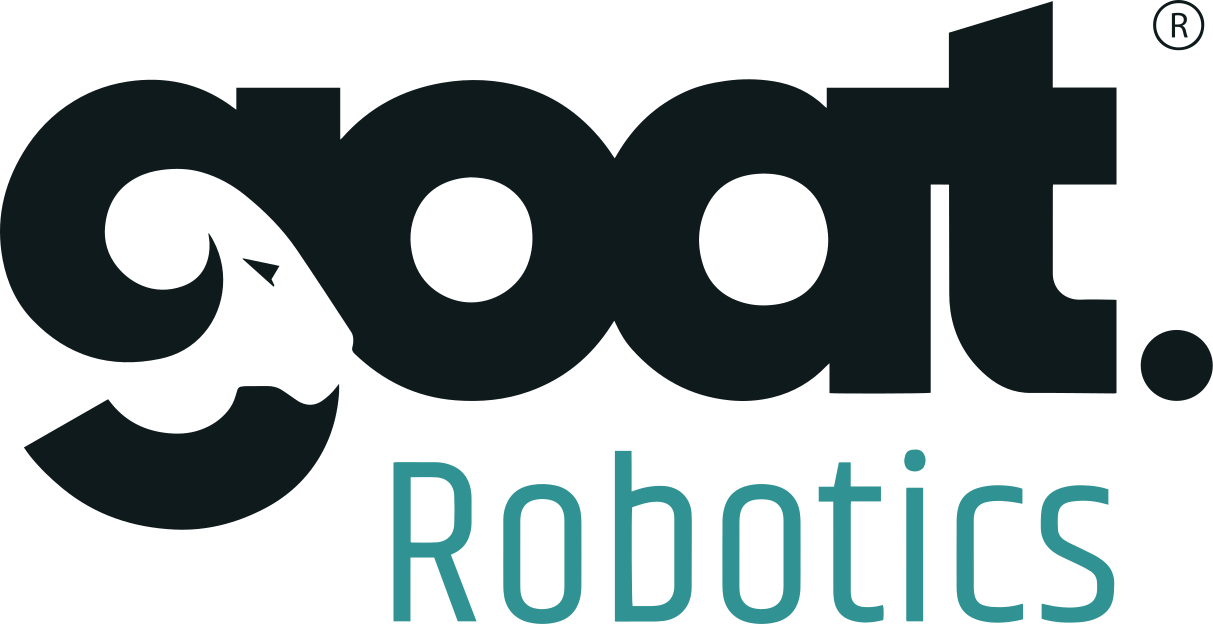
On white and light backgrounds
The website, documents, presentations, signage, packaging and the robots’ side panels.
- Colours
- GOAT Ink #0F1A1C, GOAT Teal #309293
- Proportion
- 1.94 : 1, width to height
- Smallest
- 72 px wide on screen, 20 mm in print
- Clear space
- x on every side, the height of the “R”
What it’s made of
Wordmark
“goat.” in GOAT Ink, with its full stop.
Robotics
Set in GOAT Teal, aligned under the wordmark.

The goat
Horn, eye and beard, drawn into the counter of the g.
Registered mark
Always keep the ® on the full logo.
Other versions

Logo mark
The g on its own, with the goat inside. It stands in for the full logo where that won’t fit or would be too small to read.
- App icons, social avatars, favicons, badges and small panels on the robots.
- In Ink, GOAT Teal or white, on White, Floor or Ink.
- At least 16 px tall on screen, 6 mm in print, with clear space of a quarter of its width.
- Next to the full logo, which already contains it.
- As the letter g in a word, or repeated as a pattern.
 HornEyeBeard
 App icon
- Avatar
- GOATFavicon
 Teal on white
Clear space and size
Give the logo room. Keep clear space equal to x, the height of the “R” in Robotics, on every side. No text, edges or other logos inside it.
- Smallest logo
- 72 pxwide on screen; 20 mm in print
- Smallest symbol
- 16 pxtall on screen; 6 mm in print
Below these sizes “Robotics” and the goat’s head stop reading. Use the symbol instead.
72 px
16 px
32 px
Do and don’t
Most logo mistakes come from trying to make it fit. Change the layout, not the logo.
Do

Don’t
Colour
Ink and teal on lots of white. Calm, technical, easy to read on a shop floor. Coral is the only warm colour, kept for the one action we want people to take.
Typical balance on a page
Roughly 60% white and Floor, 25% Ink, 10% teal, 5% coral.
Core colours
- GOAT Ink
The wordmark, headlines and body text, and dark backgrounds.
- HEX
- RGB
- 15 26 28
- On white
- 17.7:1 AAA, any text
- GOAT Teal
“Robotics” in the logo, brand graphics and large accents.
- HEX
- RGB
- 48 146 147
- On white
- 3.7:1 Large text and graphics only
- On ink
- 4.8:1 AA, any text
- Teal Light
“Robotics” in the reverse logo only.
- HEX
- RGB
- 95 214 198
- On white
- 1.8:1 Decoration only
- On ink
- 10.1:1 AAA, any text
- White
Page backgrounds and the reverse logo.
- HEX
- RGB
- 255 255 255
- On ink
- 17.7:1 AAA, any text
Supporting colours
- Teal Ink
Teal text and links on white.
- HEX
- RGB
- 31 110 111
- On white
- 6.0:1 AA, any text
- On ink
- 3.0:1 Decoration only
- Signal
Highlights and figures on dark backgrounds.
- HEX
- RGB
- 69 208 189
- On white
- 1.9:1 Decoration only
- On ink
- 9.3:1 AAA, any text
- Coral
The main call-to-action button only, with ink text.
- HEX
- RGB
- 239 100 100
- On white
- 3.1:1 Large text and graphics only
- On ink
- 5.6:1 AA, any text
- Floor
Light section backgrounds.
- HEX
- RGB
- 238 242 241
- On white
- 1.1:1 Decoration only
- On ink
- 15.7:1 AAA, any text
- Night
Cards and panels on dark backgrounds.
- HEX
- RGB
- 23 36 38
- On white
- 15.9:1 AAA, any text
- On ink
- 1.1:1 Decoration only
- Mist
Body text on dark backgrounds.
- HEX
- RGB
- 201 214 213
- On white
- 1.5:1 Decoration only
- On ink
- 11.9:1 AAA, any text
Do
- Use Teal Ink, not GOAT Teal, for teal text on white.
- Put ink text on coral buttons.
- Check contrast: 4.5:1 for body text, 3:1 for large text and icons.
Don’t
- Add new brand colours, gradients or tints of teal.
- Use coral for anything but the main call to action.
- Put white text on Signal, Teal Light or Coral.
Typography
One family, Archivo, used at different widths: wide and heavy for headlines, normal for reading, narrow for numbers.
Archivo is free under the SIL Open Font License. Get it from Google Fonts. Where it isn’t installed, as in some office tools, use Arial.
Weight 100 to 900
Width 62% to 125%
Headlines: Bold 700 to 740, width 106 to 112%, tracking −2%
Automate material movement.
Body: Regular 400, 16 px or larger, line height 1.6
Autonomous mobile robots that move bins, racks, pallets and carts through your factory and warehouse, designed and built in India.
Figures: Bold 700, width 78%
1,500 kg1.2 m/s8 h
- Sentence case for headlines and buttons.
- Left-align text; keep lines under about 75 characters.
- ALL CAPS or letter-spaced labels.
- Light weights below 400 for text people need to read.
- Stretching type with a transform instead of using the width axis.
Writing
We sound like engineers who have been on the floor: specific, calm and useful. Say what the robot moves, where, and how much.
Do
- Lead with what moves, where and how much: “moves 1,000 kg racks between press shop and assembly”.
- Use real numbers with units, and a space between them: 100 kg, 1.2 m/s, 8 h.
- Write plainly and in the active voice, the way an engineer explains it to a plant manager.
- Spell out a term the first time: “autonomous mobile robot (AMR)”.
- Use Indian English spelling: colour, organisation, metre, licence.
Don’t
- Hype: “revolutionary”, “game-changing”, “best-in-class”, “cutting-edge”.
- Claims you can’t show, such as “the safest robot in India”.
- Customer names, logos, figures or site photos without the customer’s written approval.
- Prices, savings or other commercial figures in public material without approval.
- Exclamation marks and ALL-CAPS headlines.
Names
| Write | Not | Why |
|---|---|---|
| GOAT Robotics | Goat Robotics, Goat robotics, G.O.A.T., GoatRobotics | GOAT in capitals in all marketing and product text. |
| Goat Robotics Private Limited | GOAT Robotics Pvt Ltd | The legal name, for contracts, invoices and legal notices only. |
| GT-100, GTX-1500, GT-XP | GT100, GT 100, Gt-100 | Robot models take a hyphen and capitals. |
| GT-L 600 | GT-L600, GTL-600 | GT-L models have a space before the payload class. |
| GT Series, GTX Series | GT-series, GT series | Families are capitalised. |
| GT Studio | GTStudio, GT-Studio, Gt Studio | Two words. |
| Orchestrix | ORCHESTRIX, OrchestriX | One word, capital O only. |
| GT Button, GT M Button, GT Sense | GT-Button, GTM button, GT-Sense | Accessories keep a space after GT. |
Brand mockups
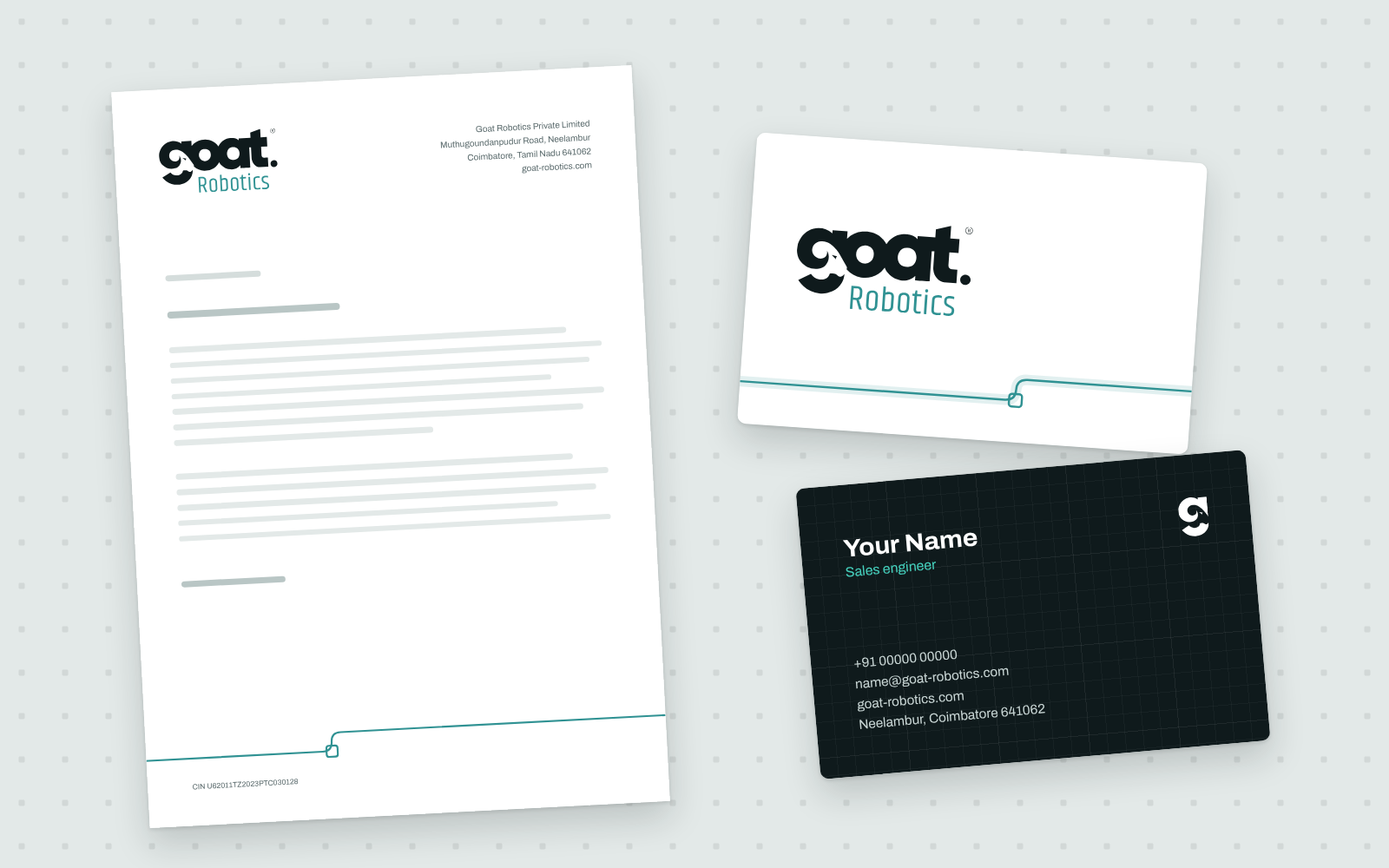
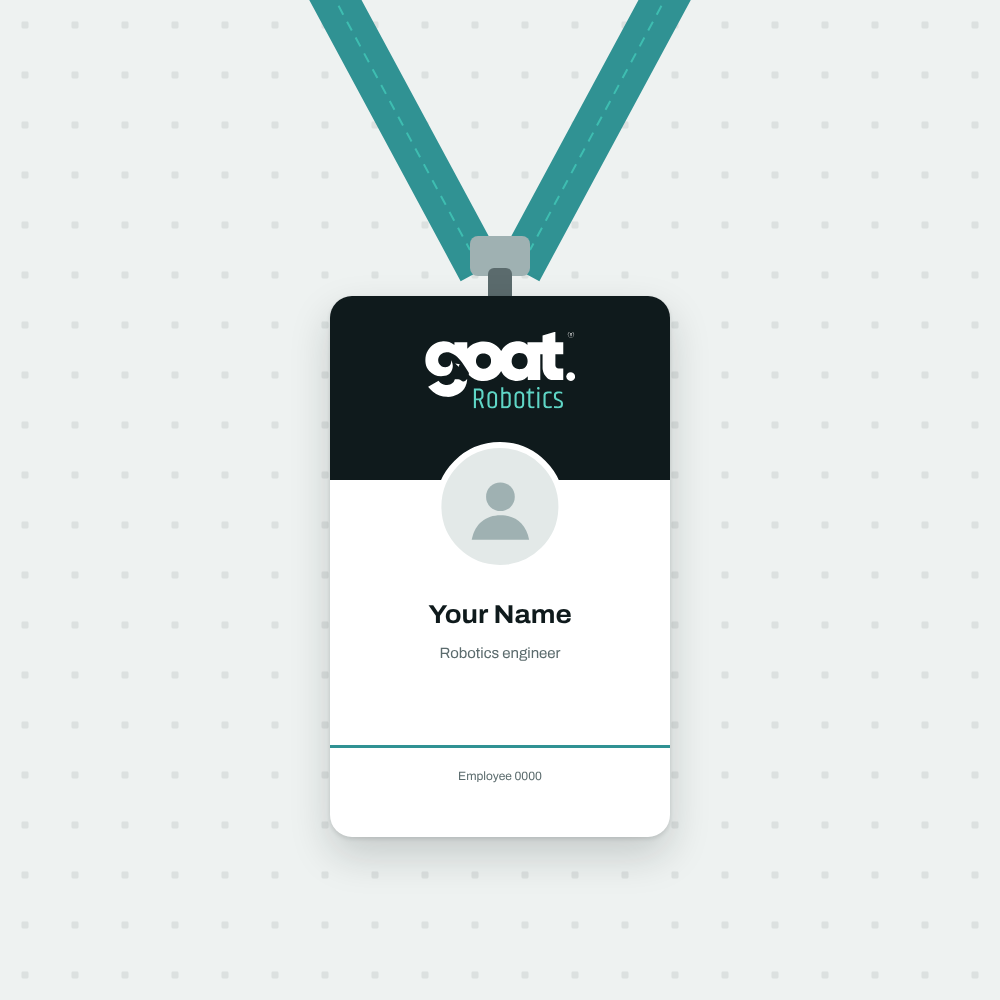
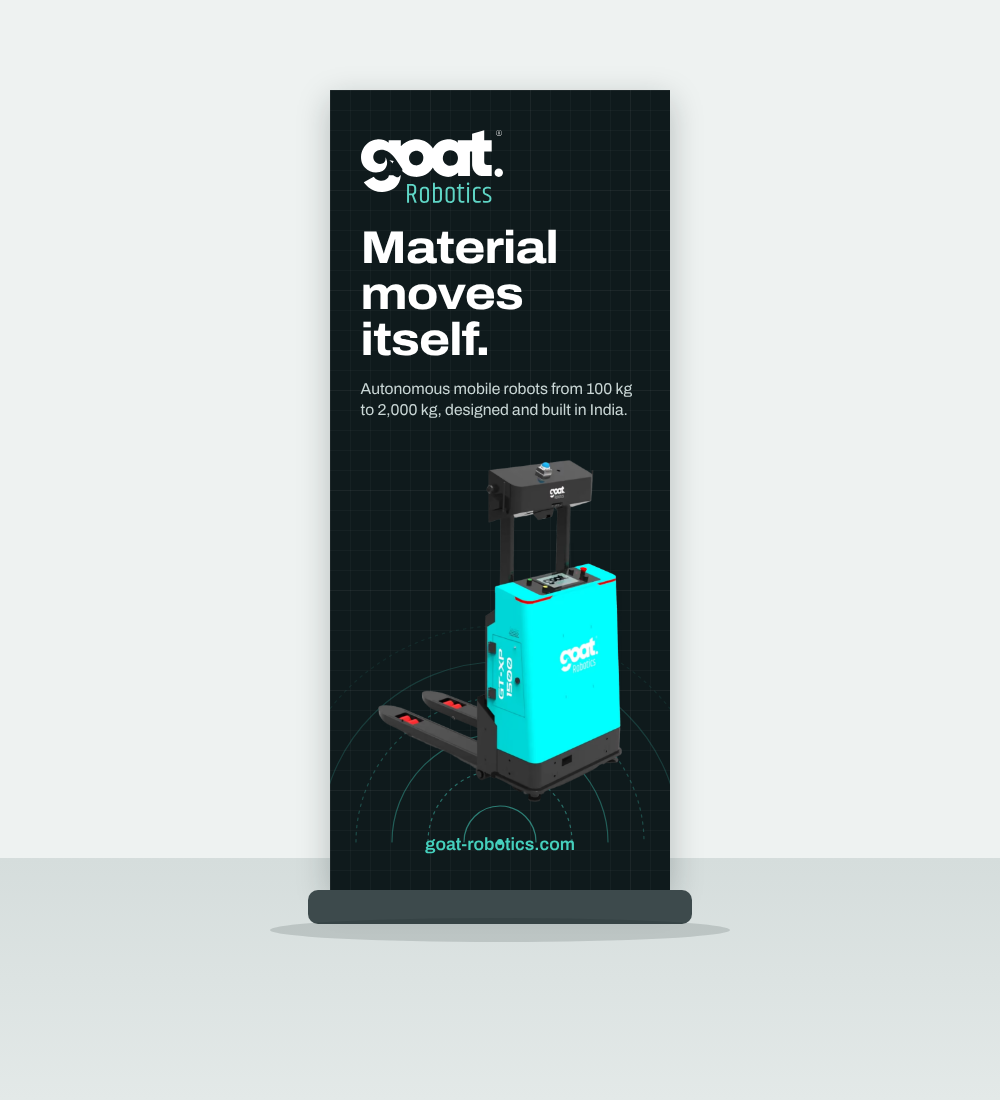
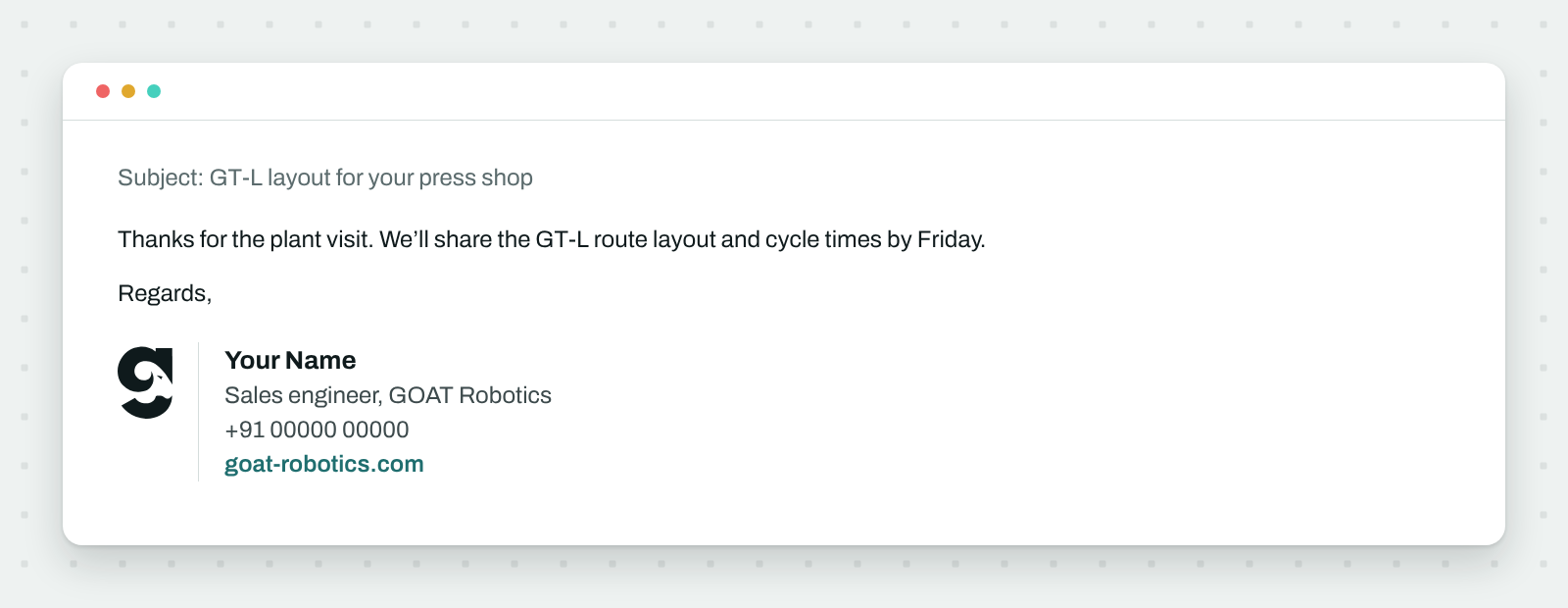
How the brand looks on what we hand over, send, wear and set up. Names and numbers are placeholders.
Use these as the layout for print and production. Ask us for print colours before anything goes to a printer.
Goat Robotics Private Limited
Muthugoundanpudur Road, Neelambur
Coimbatore, Tamil Nadu 641062
goat-robotics.com
CIN U62011TZ2023PTC030128
Your Name
Robotics engineer
Employee 0000
Material moves itself.
Autonomous mobile robots from 100 kg to 2,000 kg, designed and built in India.

goat-robotics.com
Subject: GT-L layout for your press shop
Thanks for the plant visit. We’ll share the GT-L route layout and cycle times by Friday.
Regards,
Your Name
Sales engineer, GOAT Robotics
+91 00000 00000
goat-robotics.com
Mockup images:StationeryID badgeRoll-up bannerEmail signature
Co-branding
With partners, integrators and customers, both logos get equal weight and their own space.
- Match the logos’ visual height, with a thin divider and clear space between them.
- Get written approval from both sides before publishing.
- Merge the logos, or join them with “+” or “x” into a new mark.
Partner logoDownloads
Everything in one ZIP, or pick single files. SVG for anything digital or printed; PNG only where SVG isn’t supported.
Download the brand kitZIP, 866 KB

Frequently asked questions
Can I use the GOAT Robotics logo?
Customers, partners, integrators and the press may use the logo to refer to GOAT Robotics, as long as they follow these guidelines and use the files from the brand kit. Don’t use it in a way that suggests we endorse or sponsor something without our written agreement.
Can I change the logo to fit my layout?
No. Pick the version that fits (primary, reverse, one colour or the symbol) and change the layout around it. Don’t redraw, recolour, crop or rearrange the logo, and keep the ® on the full logo.
Which logo file should I use?
Use the SVG files wherever you can: they stay sharp at any size. Use the primary logo on light backgrounds and the reverse logo on dark ones. Use PNGs only where SVG isn’t supported, such as some office tools.
Do you have print colours (CMYK or Pantone)?
Ask us through the contact form, choosing “Media”, and we’ll send matched print values for your printer. Don’t convert the screen colours yourself; teal shifts noticeably in print.
Need something that isn’t here?
Print colours, high-resolution photos, product renders or approval for a co-branded piece: tell us what you’re making and we’ll help.